Max Player

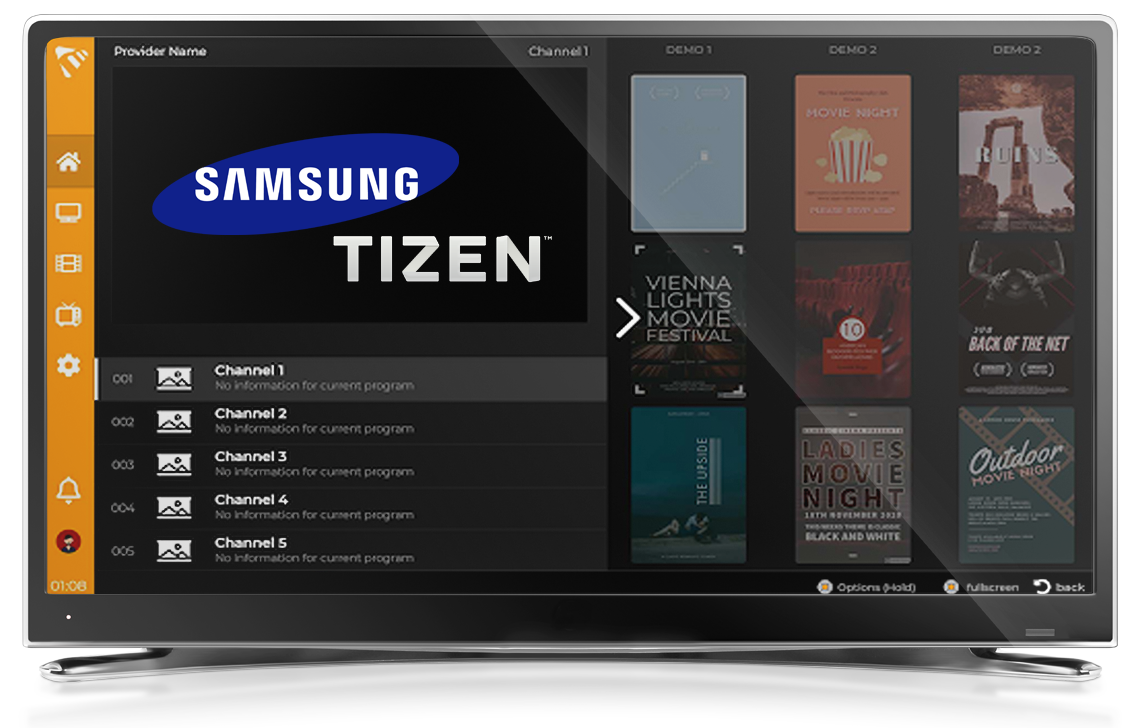
MaxPlayer On Samsung TV Tizen 2026

How to Install MaxPlayer on Samsung TV Tizen
Official Samsung Partner

How to Install MaxPlayer on Samsung TV Tizen

Install MaxPlayer on your Samsung Smart TV. Official Samsung partner app available on the Tizen store. Supports all Tizen devices from 2017-2023. Step-by-step guide 2026.

1
Open Samsung App Store
Turn on your Samsung Smart TV and press the Home button on your remote. Navigate to and open the Samsung App Store (also called Smart Hub) from the home screen.
2
Search for MaxPlayer
Select the Search icon in the Samsung App Store. Type "MaxPlayer" using the on-screen keyboard.
Tip: MaxPlayer is an official partner with Samsung, so look for the verified app in the store.
3
Install the App
Select MaxPlayer from the search results, then click "Install". Wait for the download and installation to complete on your Samsung TV.
4
Launch and Enjoy
Open MaxPlayer from your apps list. Sign in or create your account, then add your IPTV playlist to start streaming on your Samsung Smart TV.
Supported Tizen Devices

MaxPlayer supports all Samsung Tizen devices from 2017 to 2023:
2017
2018
2019
2020
2021
2022
2023
Older Samsung TV?

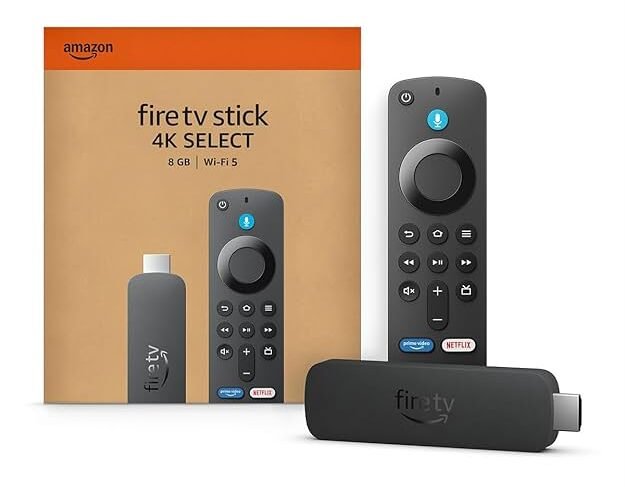
If your Samsung TV is older than 2017, we recommend getting an Amazon Fire TV Stick to enjoy MaxPlayer on your screen.

Get Amazon Fire TV
Quick Troubleshooting
Issue Fix
App not found in store Check your TV's region settings or update the Samsung App Store
Installation fails Free up storage space on your Samsung TV and retry
App won't launch Restart your TV and check for Tizen system updates
TV older than 2017 Use an Amazon Fire TV Stick to run MaxPlayer

Ready to Stream?

Install MaxPlayer on your Samsung Smart TV today and enjoy IPTV on the big screen.

Popular Article

Join over 8 million global subscribers

Lorem ipsum dolor sit amet consectetur adipiscing elit dolor

Leave a Reply

Your email address will not be published. Required fields are marked *