Max Player

Max Player on AndroidTV 2026

How to Install Max Player™ IPTV on Android TV

How to Install Max Player™ IPTV on Android TV

Install Max Player™ IPTV on your Android TV in 4 simple steps. Official Play Store guide for Sony, TCL, Hisense, Chromecast & more. Updated 2026.

1
Open Google Play Store
Turn on your Android TV and open the Google Play Store app from your home screen or apps menu.
2
Search for Max Player™
Select the Search icon (magnifying glass) at the top of the screen. Type "Max Player IPTV" using the on-screen keyboard or voice search.
Tip: Look for the app by E Galactic e.U. to ensure you download the official version.
3
Install the App
Select Max Player™ from the search results, then click "Install". Wait for the download and installation to complete.
4
Launch and Set Up
Open the app from your apps menu. Sign in or create your account, then add your IPTV playlist (M3U or Xtream Codes) to start streaming.
Quick Troubleshooting
Issue Fix
App not found Check your TV's region settings or update Play Store
Install button grayed out Free up storage space on your TV
Download stuck Restart your TV and retry

Ready to Watch?

Follow these 4 steps and start streaming your IPTV content on the big screen today.

Popular Article

Join over 8 million global subscribers

Lorem ipsum dolor sit amet consectetur adipiscing elit dolor

Application Gallery

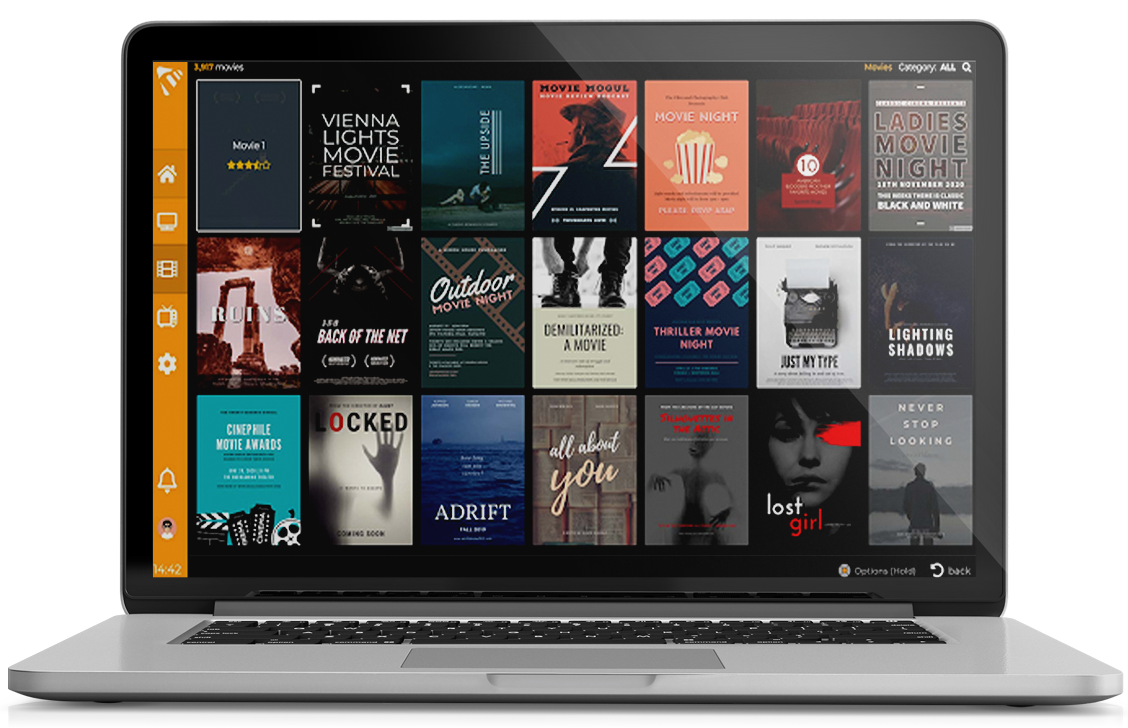
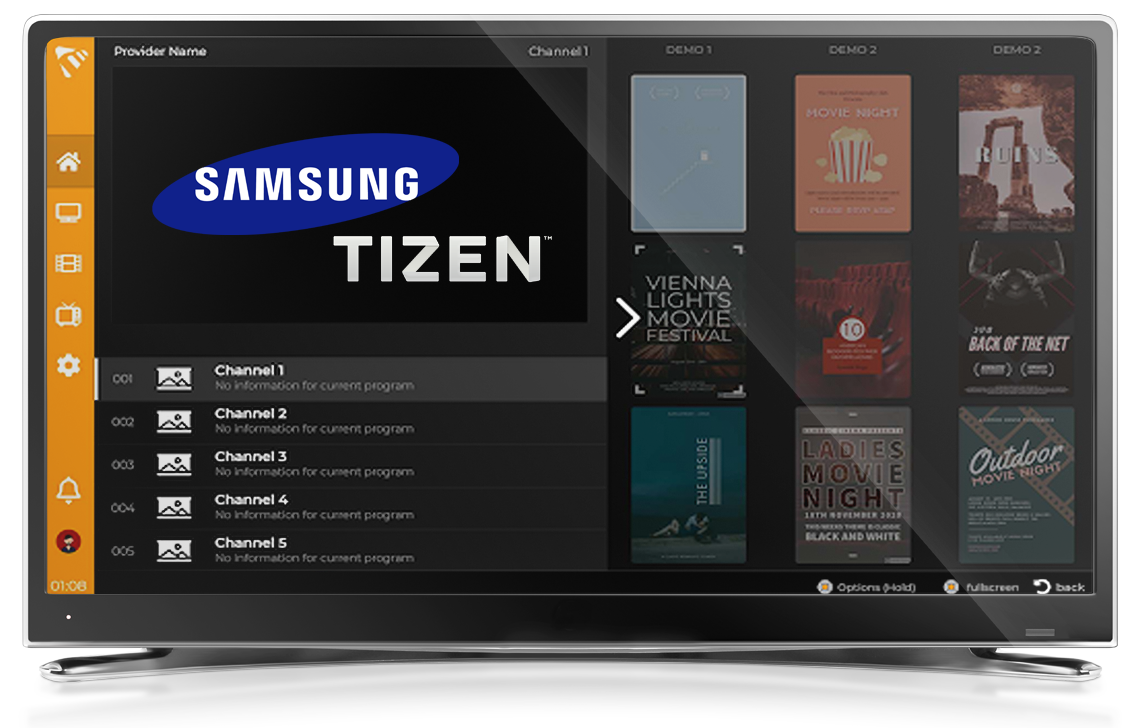
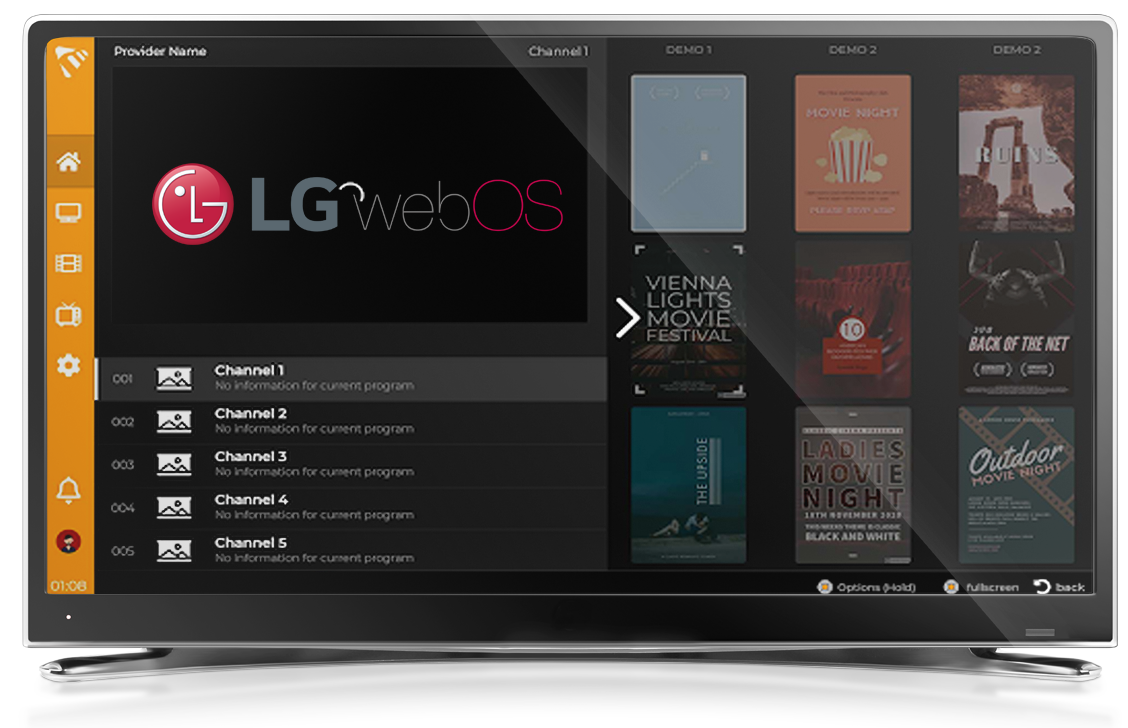
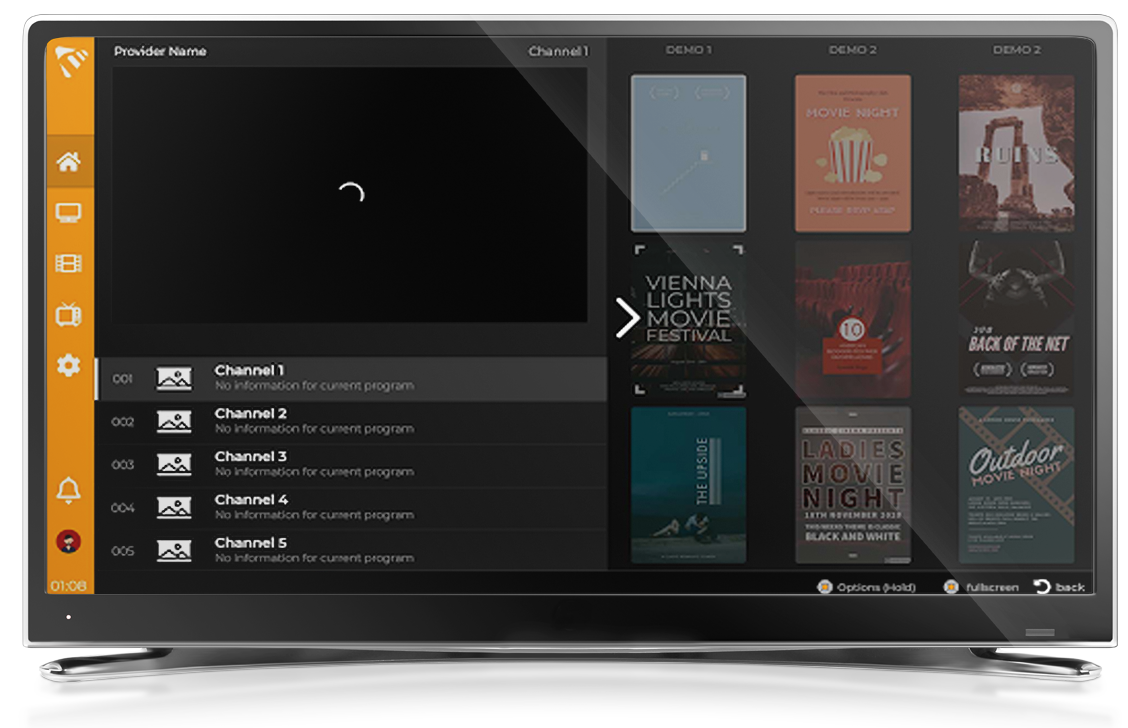
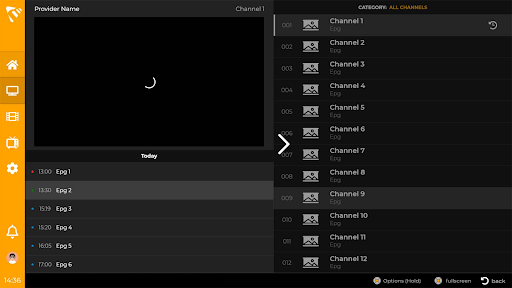
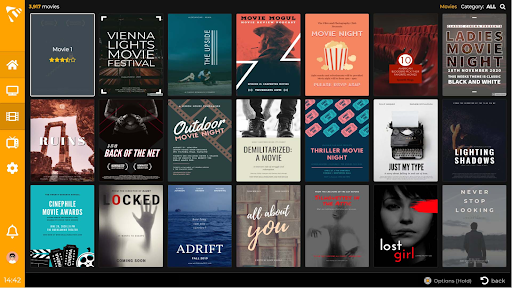
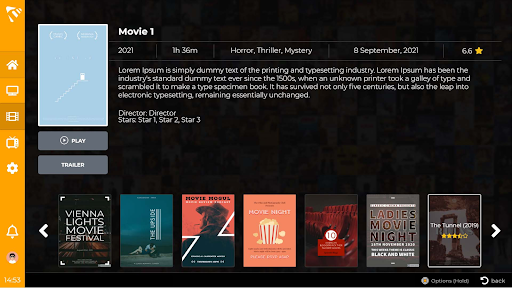
The screenshots shown on this page are provided just as an example and do not point to any real video content

max player on android tv

Leave a Reply

Your email address will not be published. Required fields are marked *