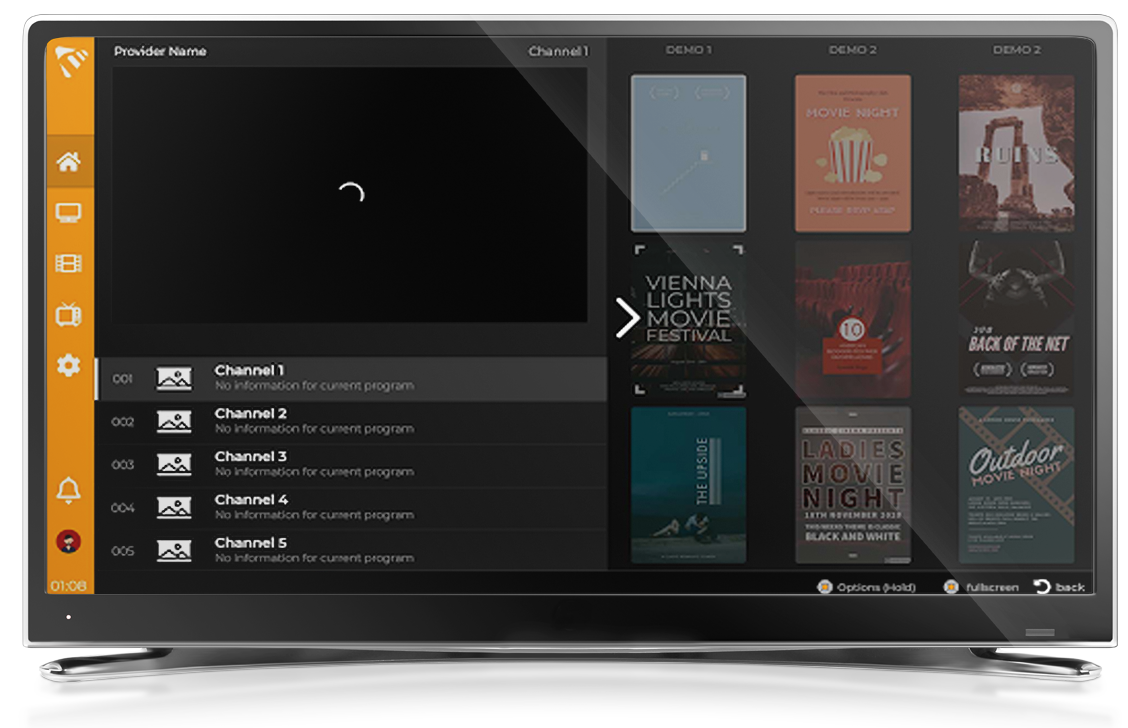
Install MaxPlayer on Windows 10 and 11. Official Microsoft partner app available on the Microsoft Store. Best IPTV player for PC. Step-by-step guide 2026.
MaxPlayer is the best application in the IPTV player category for Windows. You can officially download it on the Microsoft Store — the best and safest way to watch IPTV television over the Internet.
1
Open Microsoft Store
Click the Start menu on your Windows PC and search for "Microsoft Store". Open the official Microsoft Store app.
2
Search for MaxPlayer
In the Microsoft Store, click the Search bar at the top and type "MaxPlayer".
Tip: MaxPlayer is an official partner with Microsoft, so look for the verified app in the store.
3
Install the App
Select MaxPlayer from the search results, then click the "Get" or "Install" button. Wait for the download and installation to complete on your Windows PC.
4
Launch and Enjoy
Open MaxPlayer from your Start menu or desktop. Sign in or create your account, then add your IPTV playlist to start streaming on your Windows PC.
Supported Windows Versions
MaxPlayer is officially supported on the following Windows versions:
Windows 10
Windows 11
Microsoft Store
Download MaxPlayer directly from the official Microsoft Store.